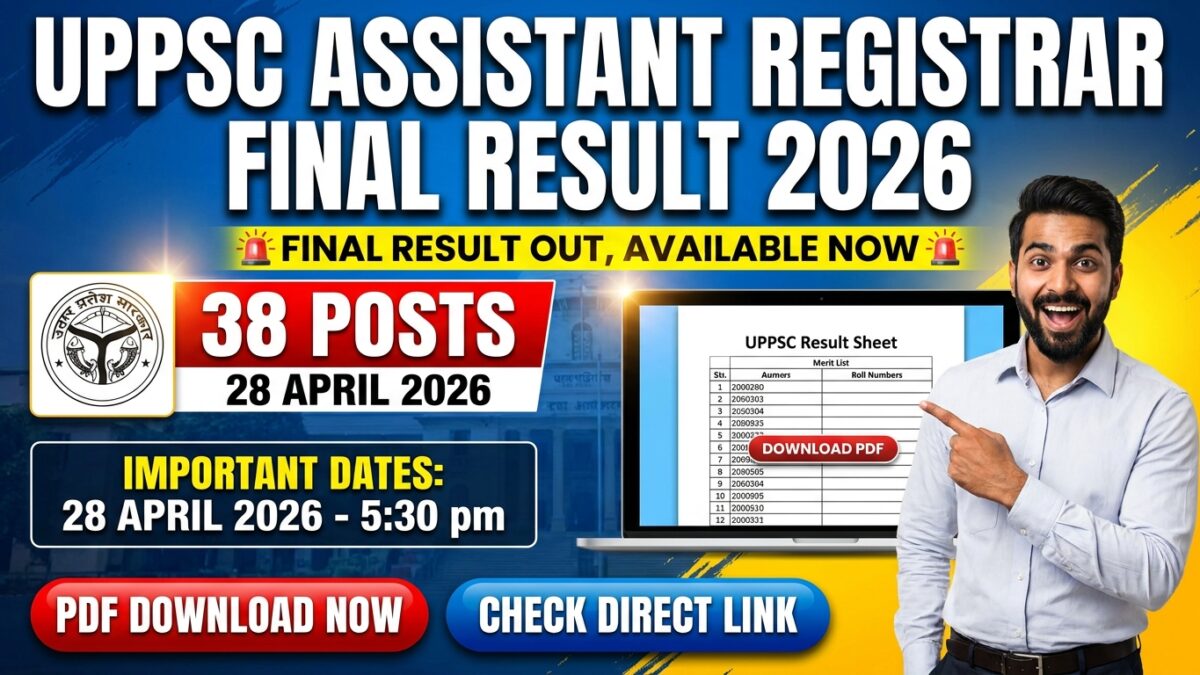
UPPSC Assistant Registrar Final Result 2026 Out

Name of Post:UPPSC Assistant Registrar Final Result 2026
Short Information :उत्तर प्रदेश पब्लिक सर्विस कमीशन UPPSC ने Assistant Registrar Posts के लिए Final Result जारी कर दिया है। यह Result 28 अप्रैल 2026 को घोषित किया गया है। वे सभी Candidates जिन्होंने परीक्षा दी थी, वे अपना Final Result Enrollment Number, Registration Number, या Date of Birth का उपयोग करके Online Portal पर Login करके देख सकते हैं। Result देखने का Direct Link नीचे Important Links सेक्शन में उपलब्ध है। Candidates को सलाह दी जाती है कि वे आगे की जानकारी के लिए Official Website देखें।

Uttar Pradesh Public Service Commission UPPSC

Assistant Registrar Examination 2024 | 2026

Final Result Declared

Official Website: uppsc.up.nic.in

Important Dates

  • Online Apply Start Date : 28/08/2024
  • Online Apply Last Date : 28/09/2024
  • Pay Exam Fee Last Date : 28/09/2024
  • Correction Date : 05/10/2025
  • Exam Date : 27-28 April 2025
  • Admit Card : 17/04/2025
  • Result Declared Date : 05/02/2026
  • Interview Date : 23-24 March 2026
  • Interview Letter : 13/03/2026
  • Final Result : 28/04/2026 Available Now

Exam Conducted By & Application Fee

  • Exam Conducted By : Uttar Pradesh Public Service Commission UPPSC
  • Post Name : Assistant Registrar
  • Total Posts : 38
  • Result Type : Final Result 2026

  • For General, OBC, EWS : ₹ 225/-
  • For SC, ST : ₹ 105/-
  • For PH Candidates : ₹ 25/-
  • Payment Mode : Debit Card, Credit Card, Internet Banking, IMPS, Cash Card / Mobile Wallet

Age Limit & Eligibility Criteria

  • Minimum Age : 30 Year (As On 01 July 2024)
  • Maximum Age : 45 Year (As On 01 July 2024)
  • Age relaxation UPPSC rules के अनुसार दिया जाएगा।
  • Candidates के पास किसी भी stream में Bachelor’s degree होनी चाहिए, साथ ही कम से कम 7 Years का work experience होना चाहिए।
  • विस्तृत Eligibility Criteria के लिए Official Notification देखें।

Result कैसे Check करें

  • Step 1 : नीचे Important Links सेक्शन में दिए गए Direct Link पर Click करें।
  • Step 2 : Official Website पर, “Results / Final Results” सेक्शन में जाएं।
  • Step 3 : “Assistant Registrar Final Result 2026” Link पर Click करें।
  • Step 4 : Result एक PDF format में खुलेगा।
  • Step 5 : अपना Roll Number / Name search करने के लिए Ctrl + F दबाएं।
  • Step 6 : यदि आपका विवरण दिखाई देता है, तो इसका मतलब है कि आप Selected हैं।
  • Step 7 : भविष्य के उपयोग के लिए PDF Download करें और Printout ले लें।

Selection Process

  • Written Exam
  • Interview

Download Final Result

Click Here

Download Interview Letter

Click Here

Check Interview Notice

Click Here

Download Result

Click Here

Download Admit Card

Click Here

Check Exam Notice

Click Here

Apply Online

Click Here

Download Official Notification PDF

Click Here

UPPSC Official Website

Click Here

UPPSC Assistant Registrar Examination 2024 : Eligibility Criteria

  • Candidates के पास किसी भी stream में Bachelor’s degree होनी चाहिए, साथ ही कम से कम 7 Years का work experience होना चाहिए। विस्तृत Eligibility Criteria के लिए Official Notification देखें।

UPPSC Assistant Registrar Examination 2024 : Mode Of Selection

  • Written Exam
  • Interview

UPPSC Assistant Registrar Final Result 2026 : Important Questions & Answers

  • Question: Final Result कब जारी किया गया है?
  • Answer: Final Result 2026 में Uttar Pradesh Public Service Commission की Official Website पर जारी किया गया है।

  • Question: मैं Result कहां से check कर सकता हूं?
  • Answer: आप इसे Official Website के “Results / Final Results” सेक्शन से Online check कर सकते हैं।

  • Question: Result किस Format में उपलब्ध है?
  • Answer: Result PDF format में जारी किया गया है, जिसमें selected candidates के names/roll numbers शामिल हैं।

  • Question: क्या यह Final Selection List है?
  • Answer: हां, यह recruitment process के सभी stages के बाद की Final Merit List है।

  • Question: UPPSC की Official Website क्या है?
  • Answer: UPPSC की Official Website http://uppsc.up.nic.in/CandidateHomePage.html है।

⚠️ Important Notice: कोई भी step लेने से पहले Official Website पर जाकर पूरी Notification जरूर पढ़ें।

0 Comments

Leave a Reply

Your email address will not be published. Required fields are marked *